
Picture this. A customer in Brisbane types “emergency plumber near me” into Google. Three businesses appear on the map. They call the first one. The other plumbers never even get a look.
This happens thousands of times a day across Australia. The difference is often one free tool: your Google Business Profile.
Many owners set it up once and forget it. Others never claim it at all. Both are missing out on local customers who are ready to buy.
“This guide shows you how to set up, verify and improve your Google Business Profile, an important part of building a strong online presence for your business.”
What Is a Google Business Profile and Why Does It Matter in Australia?
A Google Business Profile is a free listing. It shows your business on Google Search and Google Maps. It was once called Google My Business, so you may see both names online.
Your profile can show:
- Your business name, address and phone number
- Opening hours
- Photos
- Customer reviews
- Your website link
- Services, products and updates
It is where customers see you first
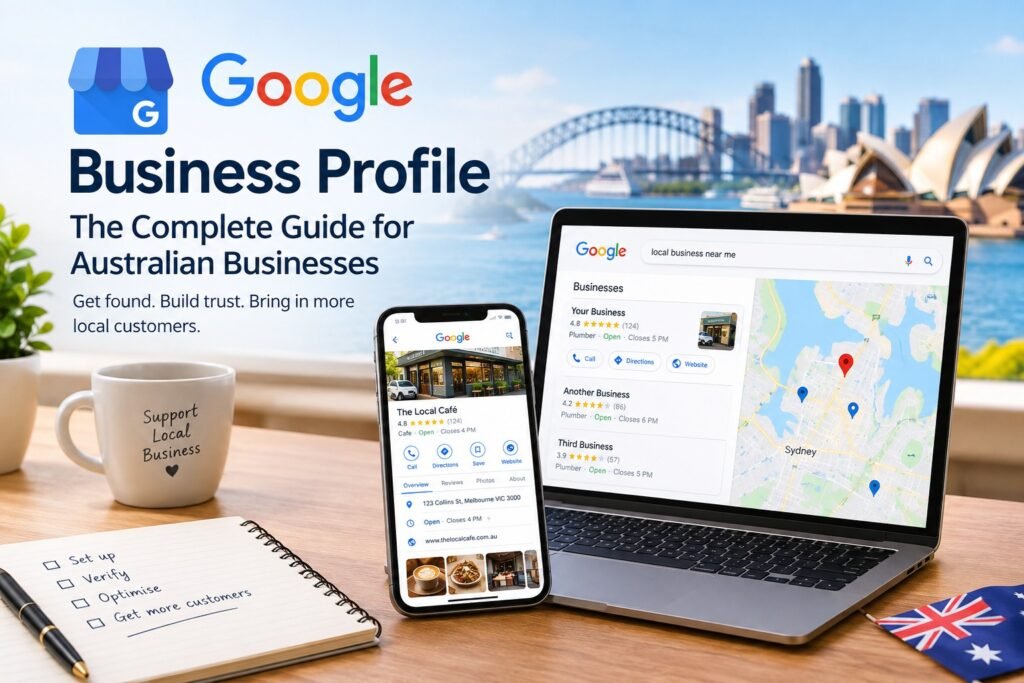
When someone searches your business name, your profile can appear alongside the search results. It works like a digital shopfront. People judge you in seconds. They look at your rating, your photos and whether your hours are correct.
It is widely used by local businesses
Google Business Profile gives businesses a way to control important information that customers see when they find them through Google Search and Google Maps. Keeping that information complete and accurate can also improve your chances of appearing for relevant local searches.
It can help you appear in the “map pack”
The map pack is the group of local results that can appear above the normal organic listings. Appearing there can bring calls, website visits and direction requests.
Google says local results are mainly influenced by relevance, distance and prominence. A complete and accurate Business Profile can help Google understand what your business does and match it with relevant searches.
Who can use it? Businesses that meet customers face to face can generally have a Business Profile. That includes shops, cafés and clinics. It also includes service businesses that travel to customers, such as electricians and cleaners.
How to Set Up and Verify Your Google Business Profile
Setup is usually straightforward. Verification can take longer depending on the method Google makes available to you, so start early.
Step-by-step setup
- Sign in to a Google account. Use an account you will keep access to long term.
- Search for your business on Google Maps. Check whether a profile already exists.
- Add your business name. Use your real, everyday trading name.
- Choose your primary category.
- Add your address or service area.
- Add your phone number and website. If you do not have a website, follow the options Google provides.
- Enter your opening hours. Include public holiday and seasonal changes where relevant.
- Start verification.
Verification options
Google decides which verification methods are available for your business. Depending on your profile, these may include:
- Postcard: Google sends a verification code to your business address.
- Phone or text: A code may be sent to your business number.
- Email: A verification code may be sent to an eligible email address.
- Video: You may be asked to record a video showing your location, business signage and evidence that you operate the business.
Follow the verification instructions shown in your Business Profile. Verification helps Google confirm that you are authorised to represent the business and can make the profile more likely to appear in Search and Maps.
A tip for service-area businesses
Many Australian tradies work from home. You do not necessarily have to show your home address publicly if you operate as a service-area business. You can specify the suburbs or regions you serve instead.
For example, an electrician based in Parramatta might list Parramatta, Blacktown, Penrith and the Hills District. Choose areas you can realistically serve rather than listing a huge area simply to reach more searches.
Service-area businesses may also be asked to complete additional verification. Follow the instructions Google provides for your profile.
How to Optimise Your Google Business Profile to Rank Higher
Google says local results are mainly based on relevance, distance and prominence.
You cannot control how far away a customer is, but you can make your profile more relevant and build your business’s prominence over time.
Pick the right primary category
Your primary category tells Google what your business does. It is one of the most important settings on your profile.
Be specific. A café should choose a category that accurately describes a café rather than selecting a broad category that does not fit. A family law firm should choose the most relevant available legal category rather than simply choosing a generic category such as “Lawyer”.
You can also add secondary categories when they genuinely apply to your business.
Review your categories from time to time and make sure they still accurately describe what you offer.
Fill in every section
An incomplete profile can leave customers without important information. Complete everything that applies to your business:
- Business description
- Services or products
- Relevant attributes
- Booking or menu links
- Accurate opening hours
- Holiday hours
Write your description in plain English. Explain what you do, who you help and where you operate. Avoid stuffing it with repeated suburb names or keywords.
Use real photos
Photos help customers understand what your business looks like before they contact you. Upload clear pictures of:
- Your shopfront and signage
- Your inside space
- Your team
- Your products or finished work
Avoid using stock images to represent your real business. A local bakery that regularly uploads genuine pictures of its products gives customers a much clearer idea of what to expect.
Post useful updates
Google Business Profile lets businesses share updates, offers, events and other information with customers.
Good post ideas include:
- A seasonal offer
- A new service
- A staff or customer story
- Extended hours before Christmas
- A new product
Focus on useful, genuine updates rather than posting simply to add more content.
Link it to your website
Your profile should send customers to a fast, mobile-friendly website.
Use the most relevant page where possible. For example, a plumbing business might link to its “Emergency Plumbing” page rather than always sending visitors to the home page.
Also make sure your business name, address and phone number are accurate and consistent with the information customers see elsewhere.
Google Reviews: How to Build Trust the Right Way
Reviews can influence how customers view your business, and they are also one of the signals Google considers when determining local prominence.
How to get more reviews
The simplest method is to ask genuine customers for feedback. Ask after a good experience, when the service has been completed and the customer has had a chance to assess the work.
Try these methods:
- Share your direct review link by text or email
- Add a QR code to receipts or invoices
- Ask your team to mention reviews at the end of a completed job
Never buy fake reviews or write reviews yourself. Do not ask people who have not used your business to post reviews.
Under Australian Consumer Law, businesses must not create fake or misleading reviews or arrange for others to do so. Reviews should reflect genuine customer experiences.
How to reply to reviews
Reply to reviews in a professional and calm way. Thank customers for positive feedback and address legitimate concerns without arguing publicly.
Positive review example:
“Thanks, Sarah. We’re glad the new tiles look great. Enjoy the bathroom!”
Negative review example:
“We’re sorry the work ran late, Mark. That’s not our standard. Please contact us directly so we can look into what happened and make it right.”
Never argue with a customer in public. Other potential customers can see how you handle complaints.
A note on Australian law
The Australian Competition and Consumer Commission (ACCC) states that businesses must not create fake or misleading reviews or arrange for others to do so. Incentives for reviews can also create problems if they are tied to positive reviews or are not properly disclosed.
If you are unsure about how Australian Consumer Law applies to your business, check the ACCC’s current guidance or seek professional legal advice.
How to Avoid a Google Business Profile Suspension
A suspension can stop customers from finding your business through Google Search and Maps. The best approach is to keep your profile accurate and follow Google’s Business Profile guidelines.
Common problems to avoid
- Incorrect business name. Do not add unnecessary keywords to your business name.
- Ineligible addresses. Do not use an address simply to create a listing where your business does not operate.
- Duplicate listings. Avoid creating multiple profiles for the same business when one profile should be used.
- Incorrect information. Keep your business details accurate and up to date.
- Fake or misleading reviews. Do not buy, create or arrange fake reviews.
- Incorrect categories or business information. Choose information that genuinely represents your business.
How to protect yourself
- Use your real trading name.
- Keep your business information accurate and up to date.
- Avoid creating duplicate profiles.
- Check your profile regularly for changes you did not make.
- Keep reasonable proof of your business, such as business registration documents, a lease, signage photos or utility bills. You may need supporting evidence if Google asks you to verify the business.
If your profile is suspended, read Google’s notice carefully and identify the issue before submitting an appeal. Fix the underlying problem first and provide clear information or evidence where requested.
Google Business Profile: Frequently Asked Questions
Is a Google Business Profile free?
Yes. Creating and managing a Google Business Profile is free. You only pay if you choose to hire someone to manage it for you.
How long does verification take?
It depends on the verification method Google gives you. Some methods can be completed quickly, while others may take longer. Follow the instructions in your Business Profile and allow extra time if additional verification is required.
Can I have a Google Business Profile without a shopfront?
Yes. If you travel to customers rather than serving them at a public storefront, you can generally set up a service-area business and choose whether your business address should be displayed publicly.
How many reviews do I need?
There is no magic number of reviews that guarantees a higher ranking. Focus on earning genuine feedback consistently over time rather than trying to reach an arbitrary target.
Why is my Google Business Profile not showing?
Possible reasons include an unverified profile, a suspension, inaccurate business information or other eligibility issues. Check your Business Profile for notices or verification requests first.
Conclusion: Your Next Step
Your Google Business Profile is one of the most useful free tools for putting a local business in front of people who are already searching for products or services like yours.
Keep it simple:
- Claim and verify your profile.
- Choose the right category and complete your business information.
- Add real photos and useful updates.
- Earn genuine reviews and respond professionally.
- Keep your information accurate and follow Google’s guidelines.
Start today. Log in, check your business details and add three new photos. Then set a monthly reminder to review your profile and make sure everything is still accurate.
Small, consistent improvements can help customers find, understand and trust your business when they search locally.